
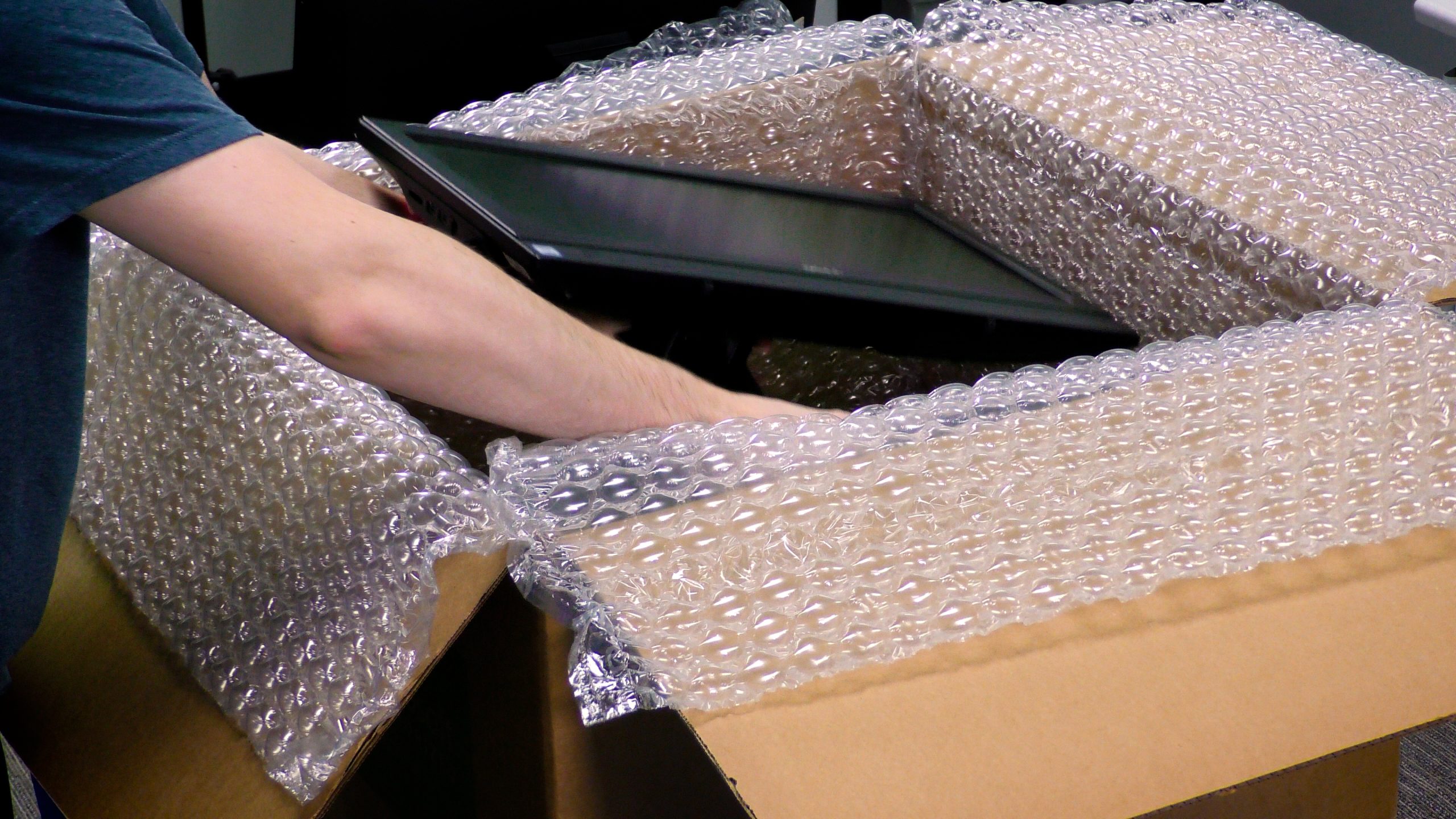
Carefully place the first monitor face up in the box. Then add bubble wrap on top of the first monitor.
Wrap & Pack Guide
Dual Monitors
Follow our packing guide below to ensure your dual monitors make it to our facility safely.
Step 1
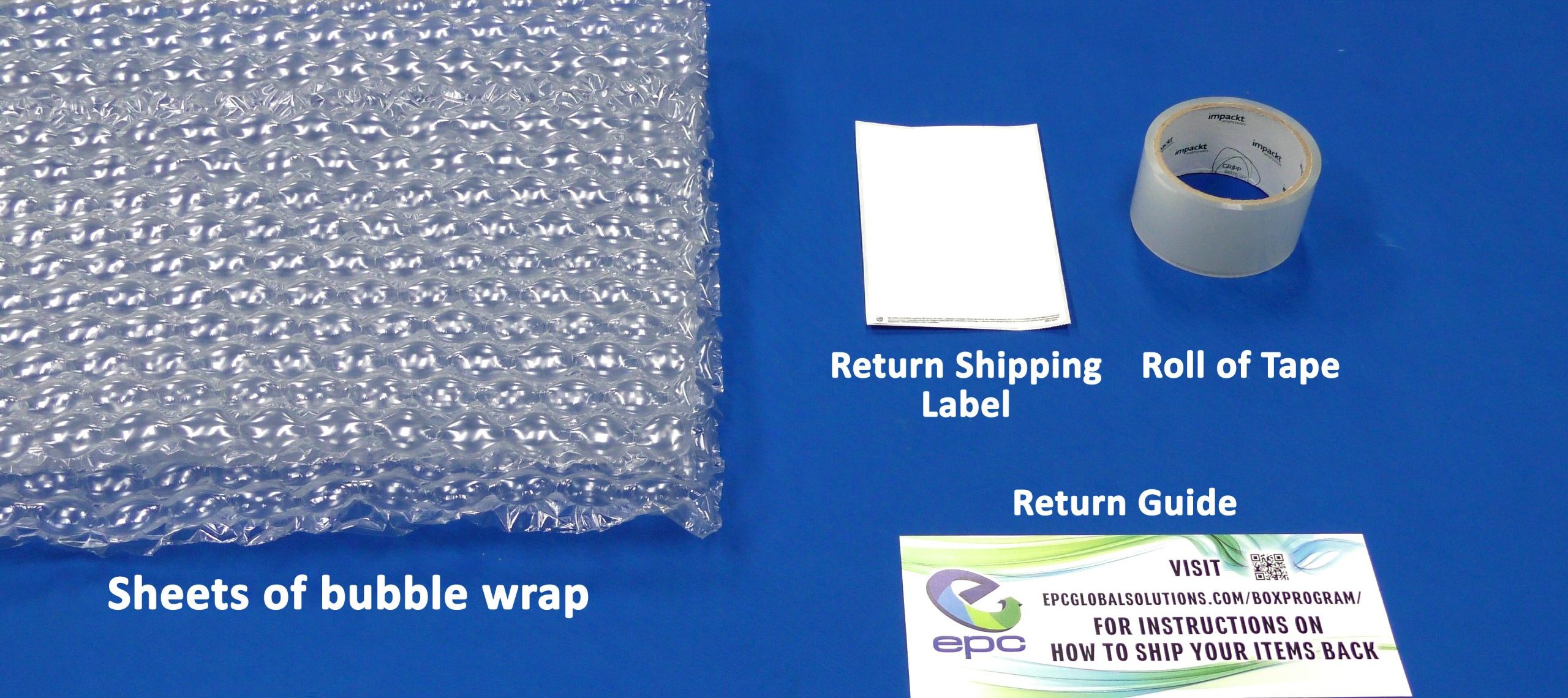
Your box should include sheets of bubble wrap, a roll of tape, return instructions, and a return shipping label.
Step 2
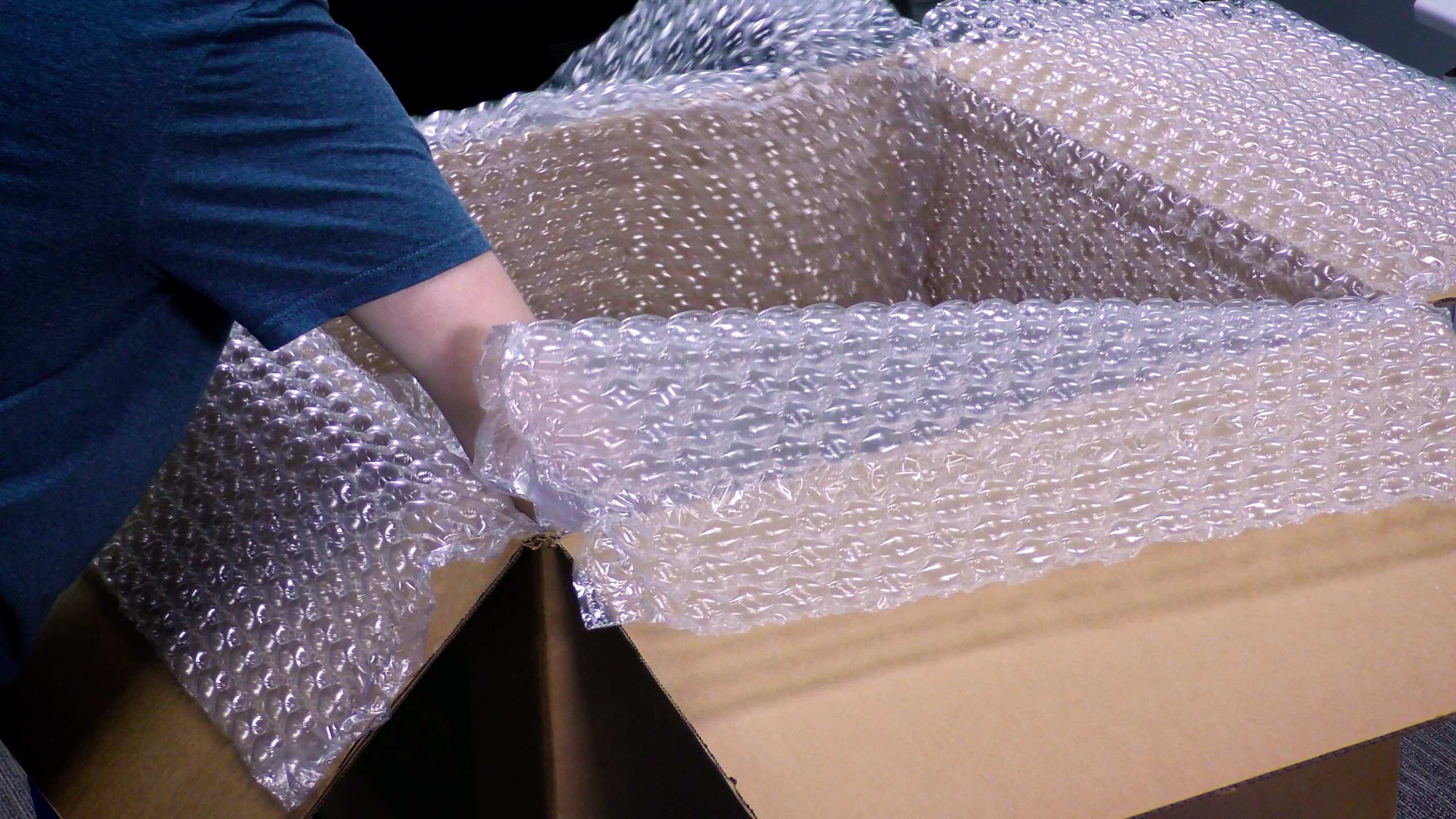
Line sheets of bubble wrap across the bottom and sides of the box, creating a large plus sign.
Step 3
Step 4
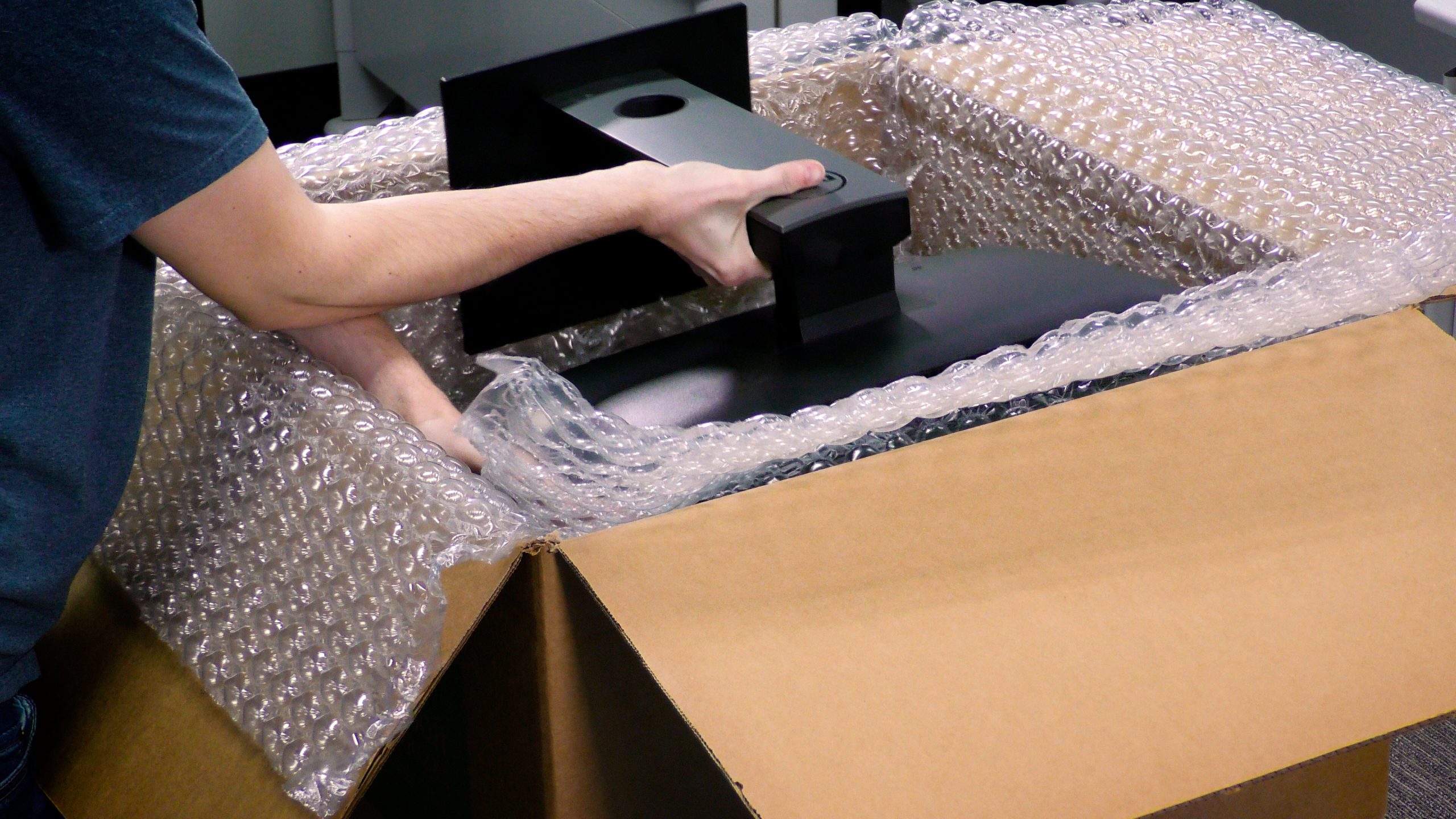
Next, place the other monitor in the opposite direction, face down.
Step 5
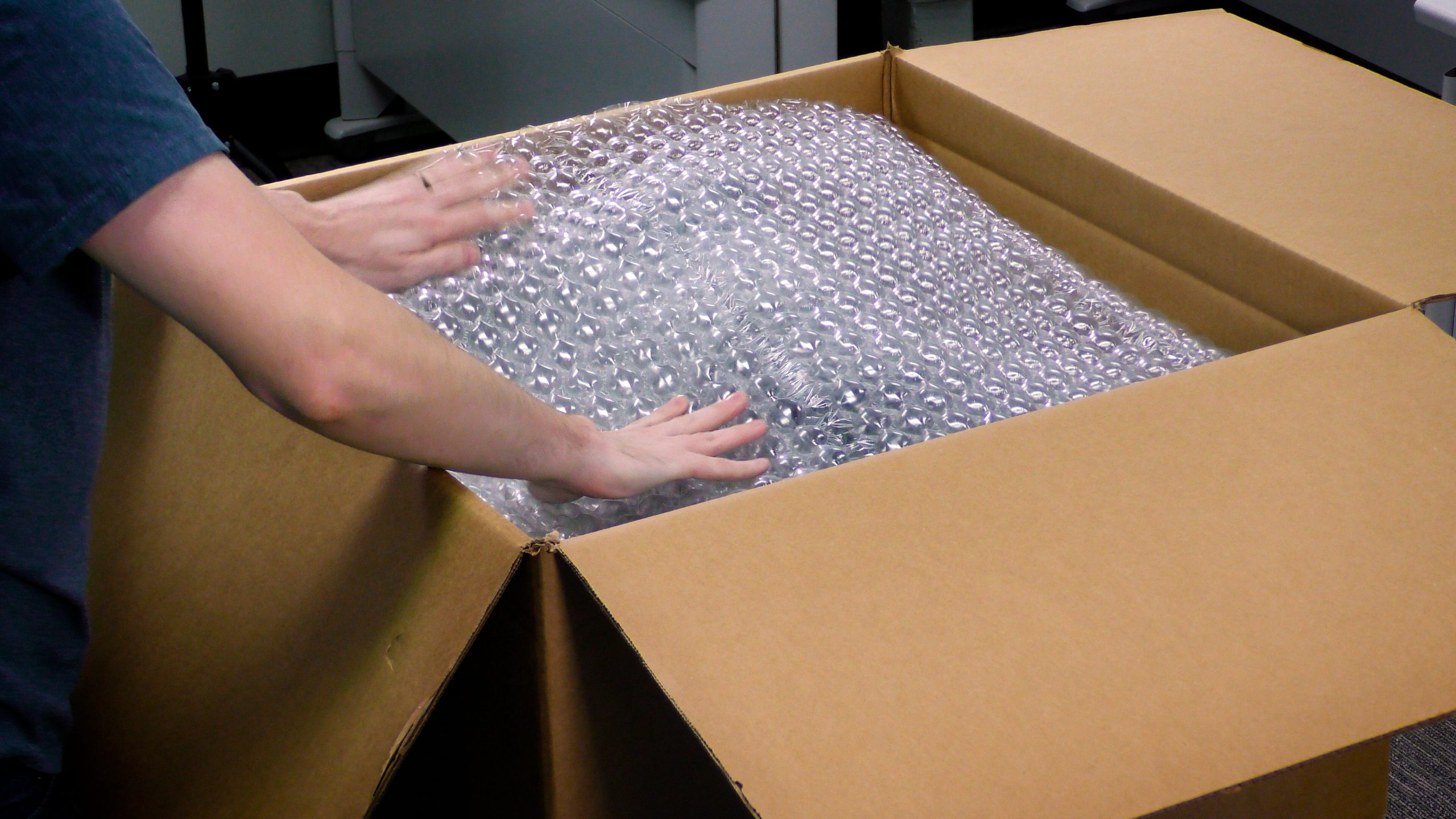
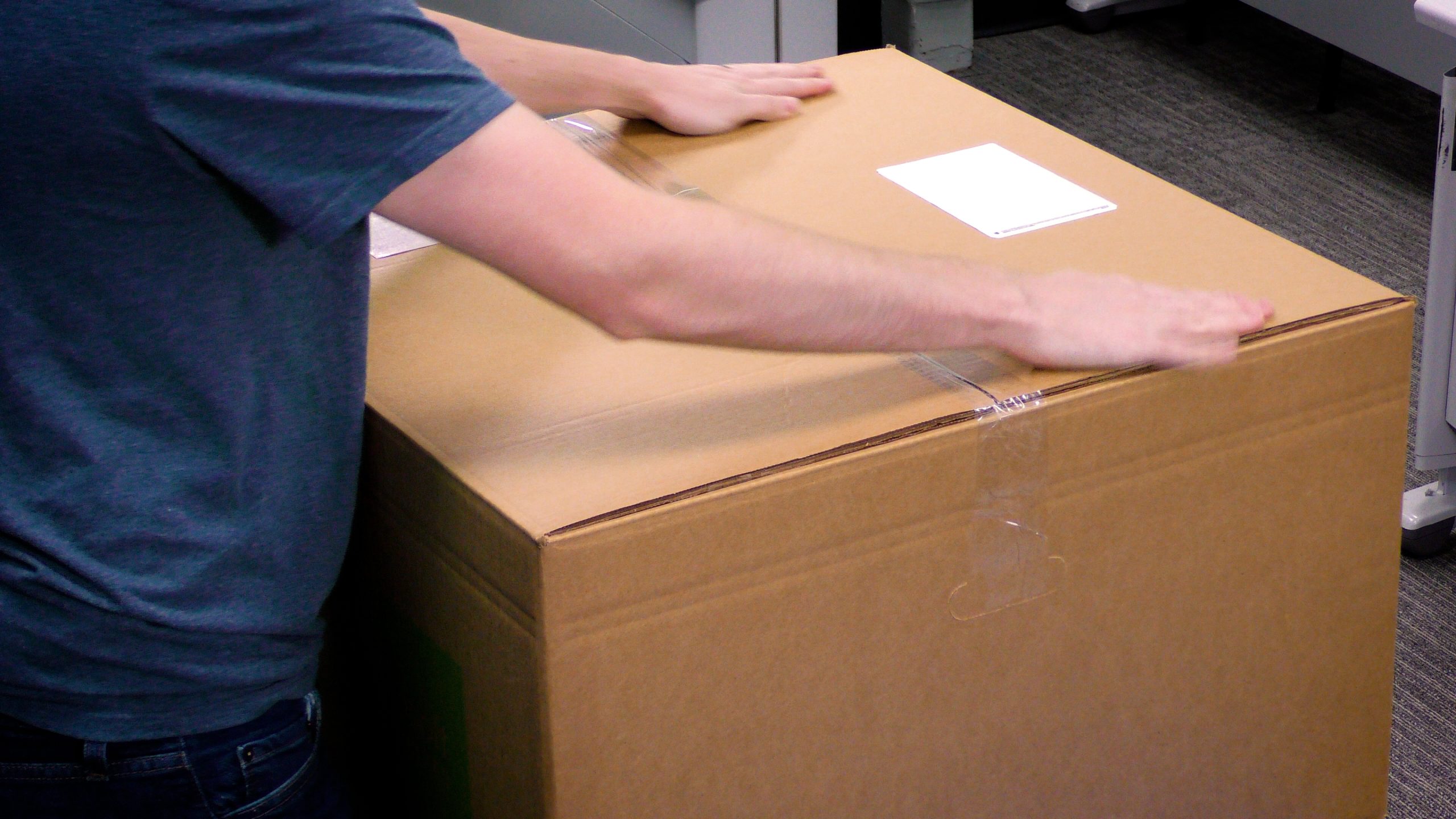
Fold excess bubble wrap over the top monitor and fold around the sides. Once all bubble wrap is inside the box, seal it using the provided tape.
Step 6
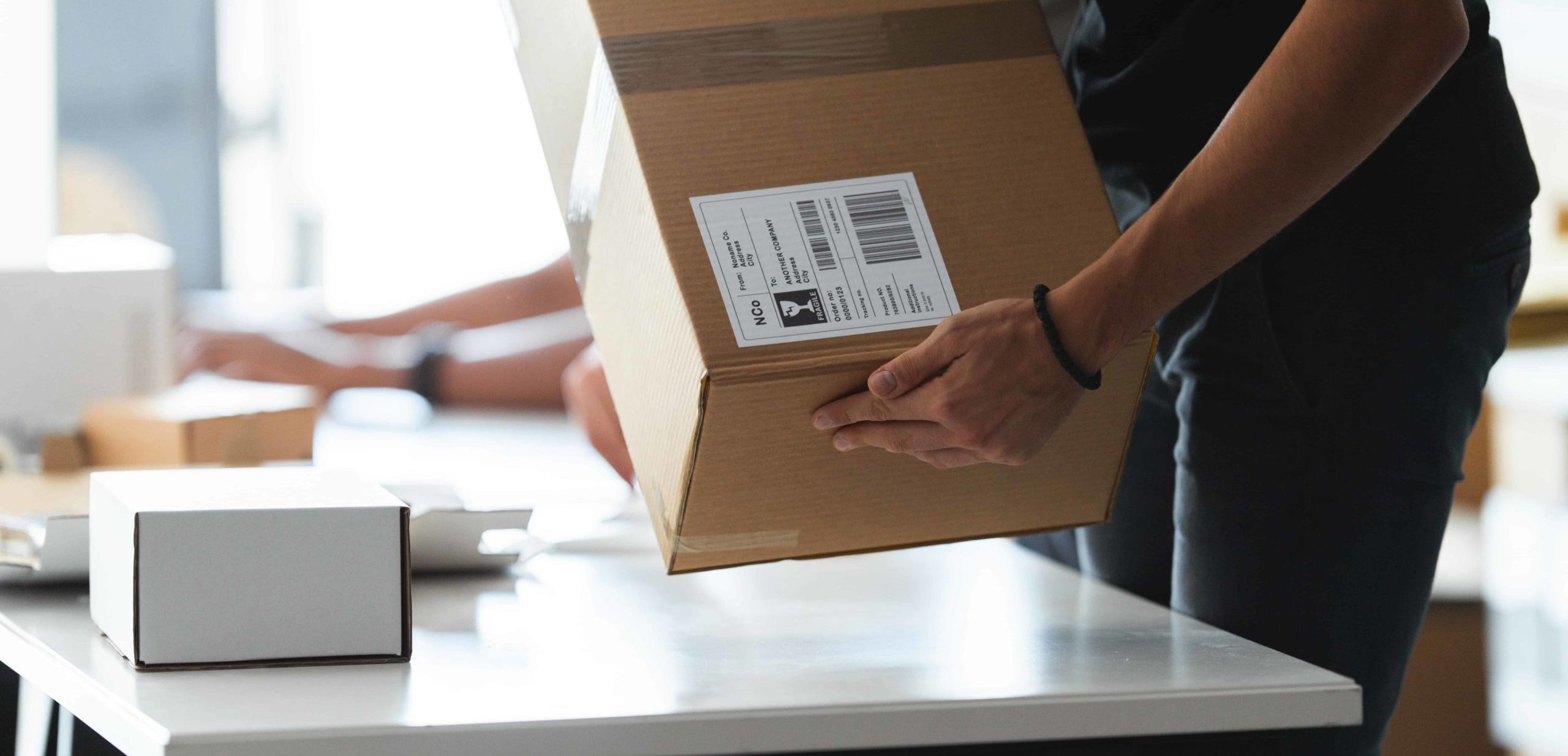
Once the box is secure, take the provided return shipping label and place it over the existing shipping label on the box. It is important that no part of the previous shipping label is visible.
Your box is ready to be shipped! Use the return options on the sheet included in your package to either schedule a pick-up or find a drop-off location.