
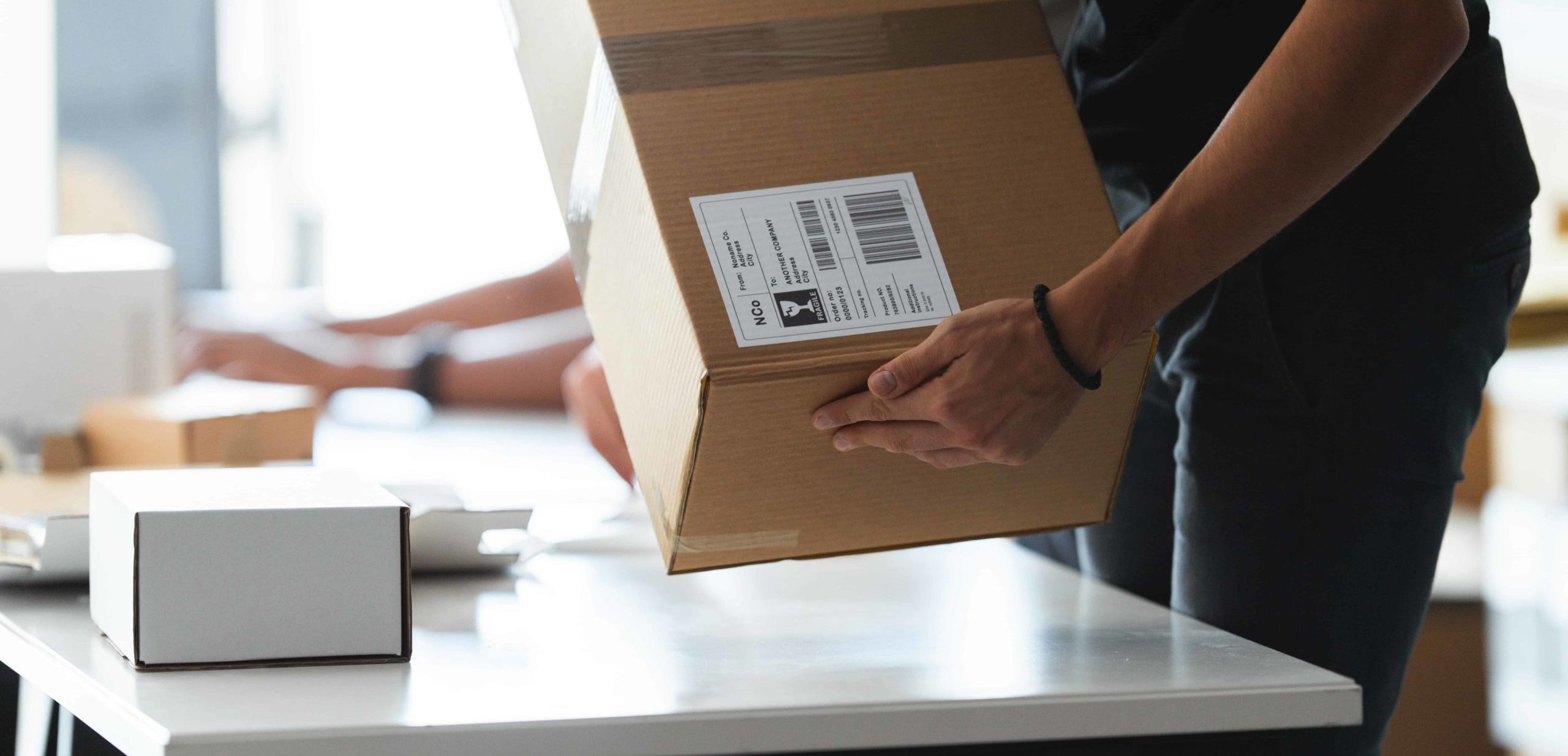
Laptops
Follow our packing guide below to ensure your laptop makes it to our facilities safely.
Step 1
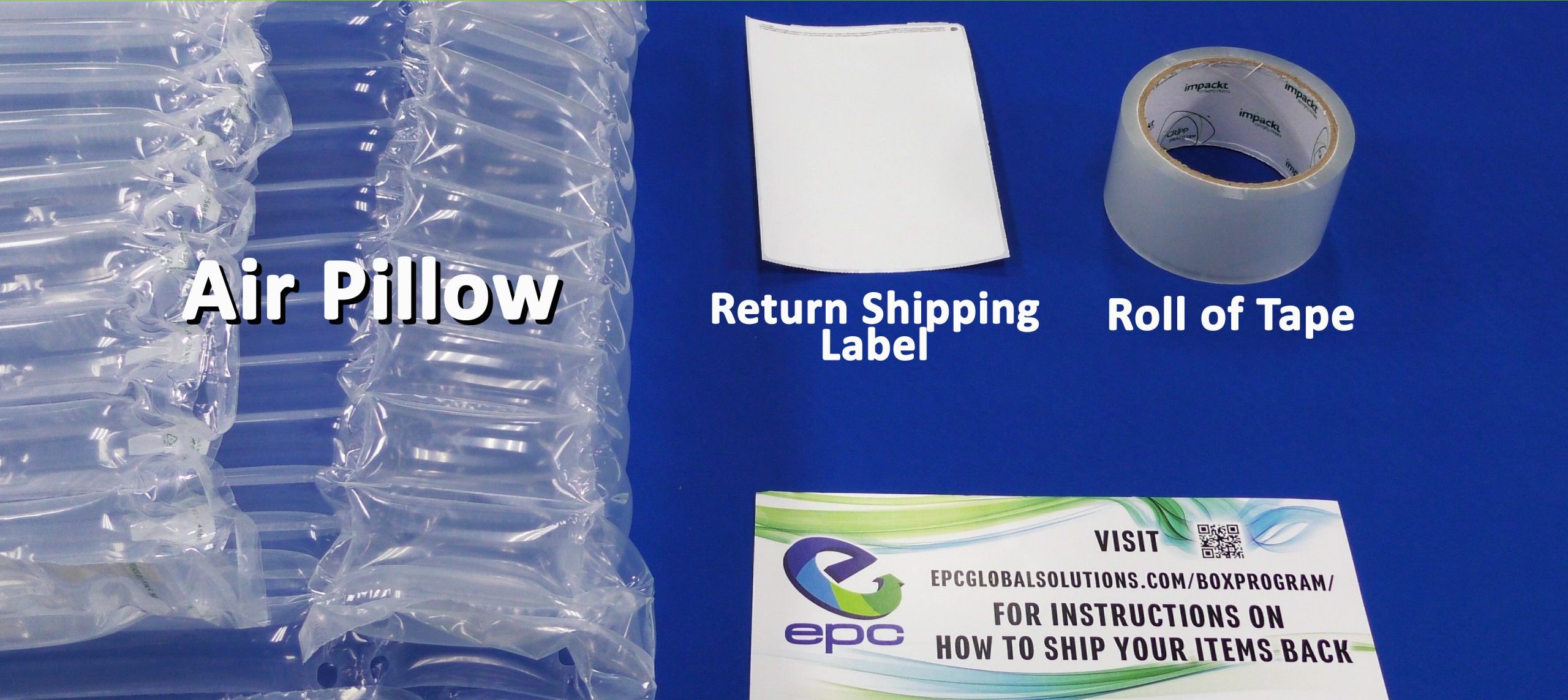
Your box will include an air pillow, a roll of tape, return instructions, and a return shipping label.
Step 2
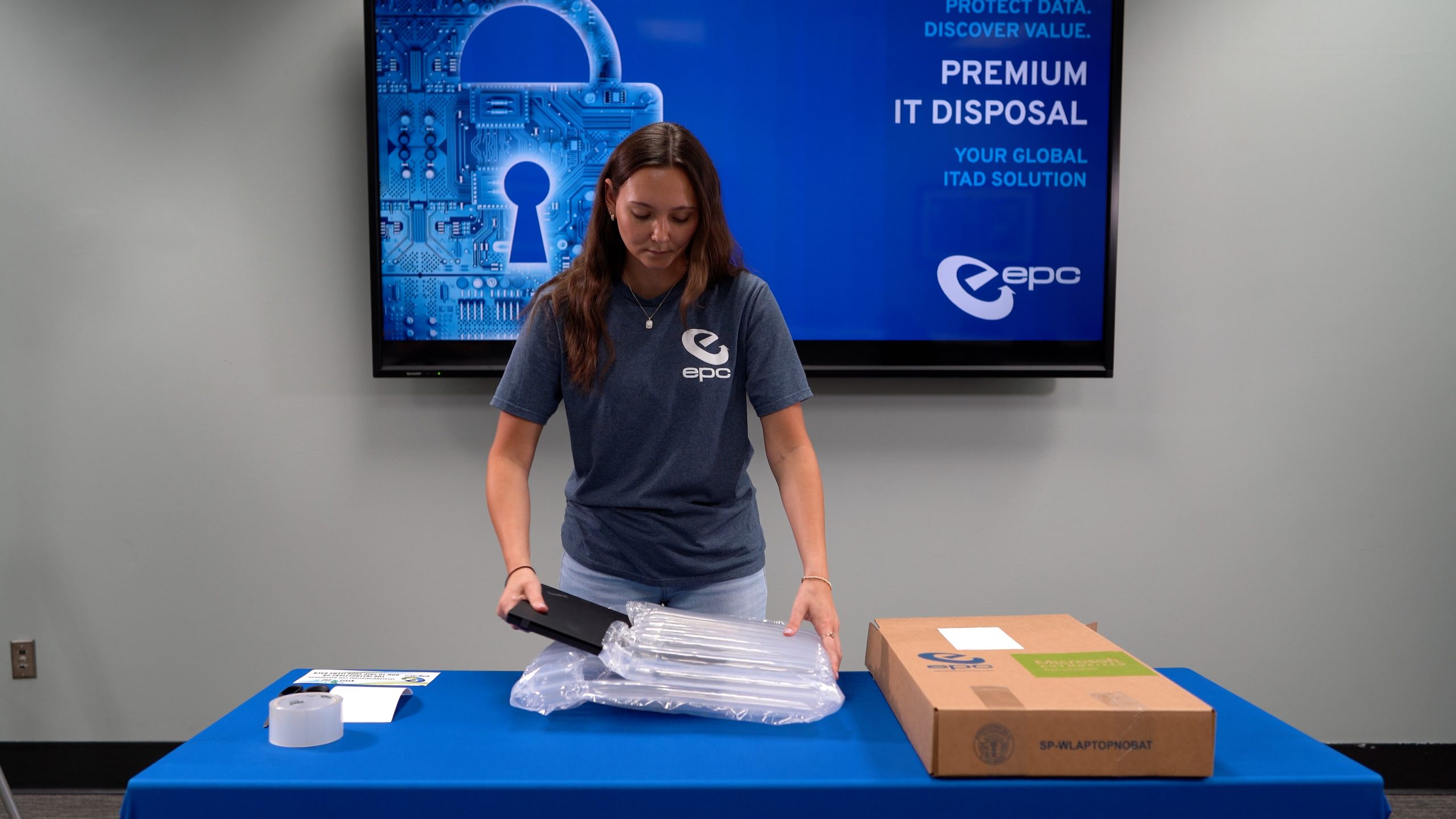
Place the laptop inside the provided bubble pack. It is important that you do not tape the bubble pack shut. Carefully place the laptop in the center of the box. Remember to leave room for the AC power adapter on one side of the box.
Step 3
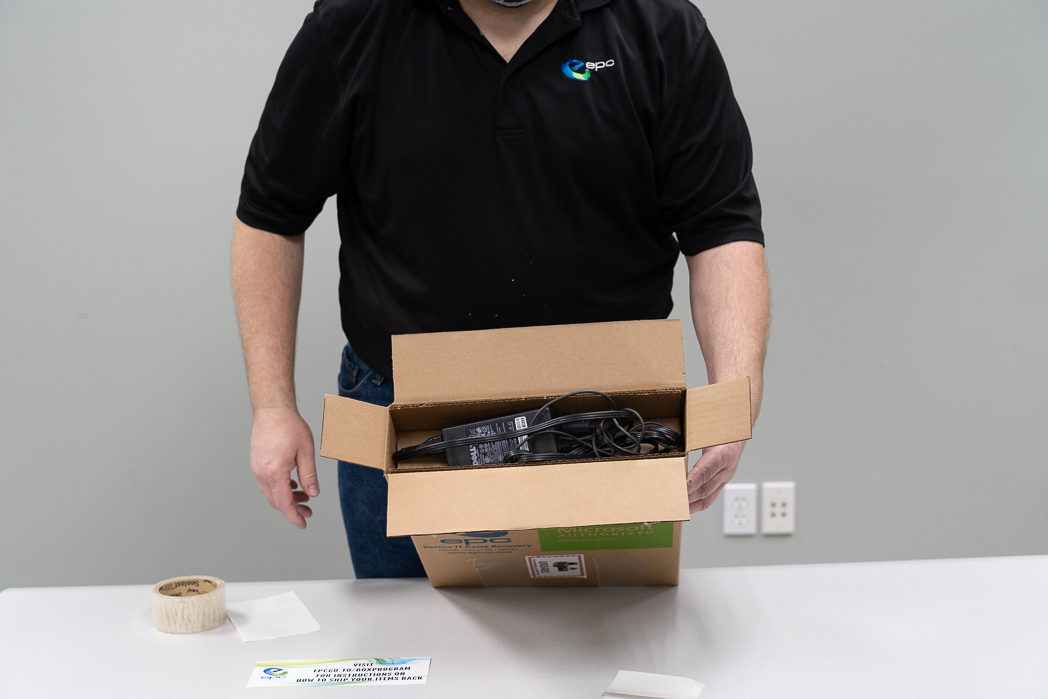
Insert the laptop charging brick and cables into the box.
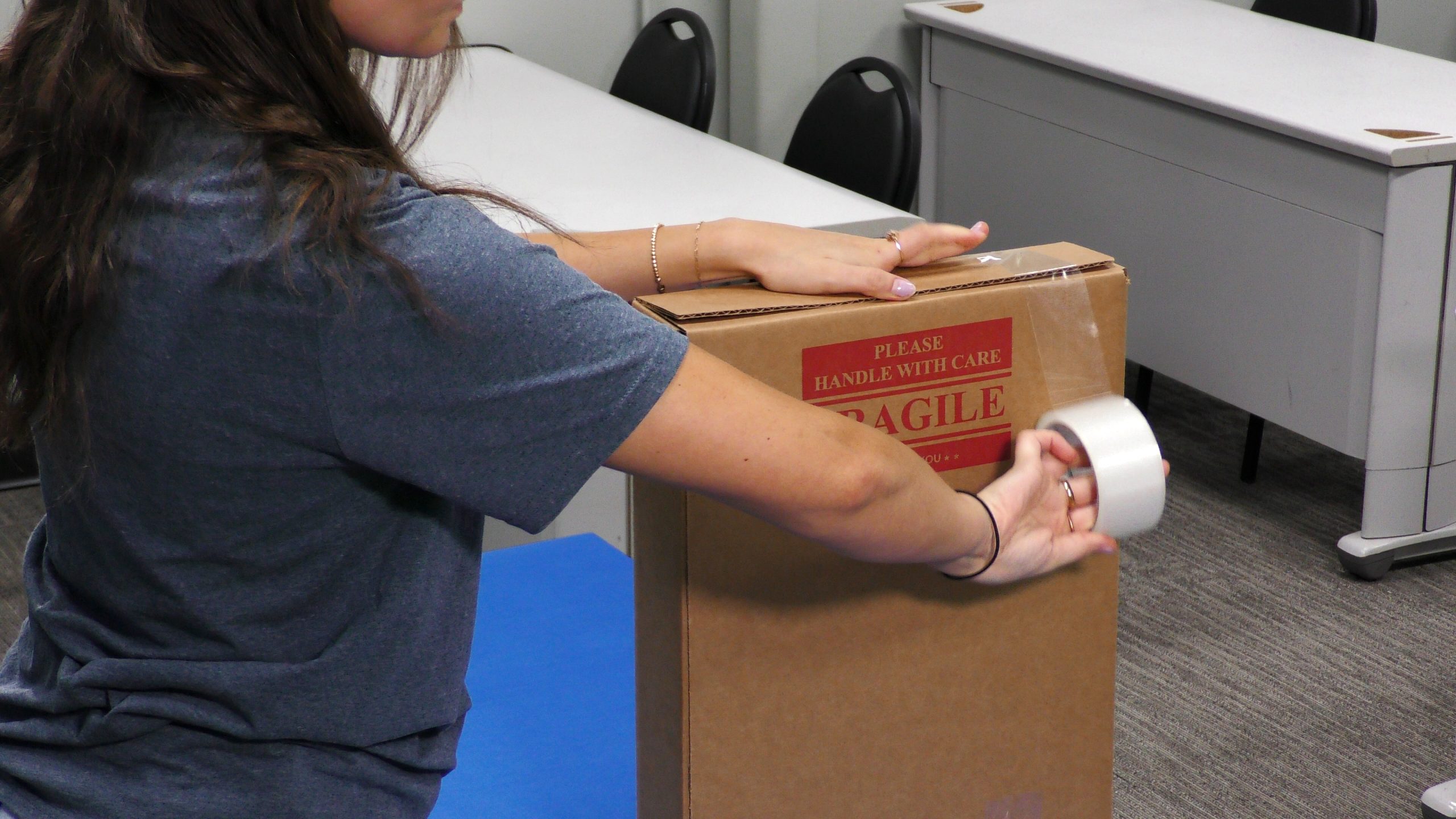
Step 4
Seal the box using the provided tape.
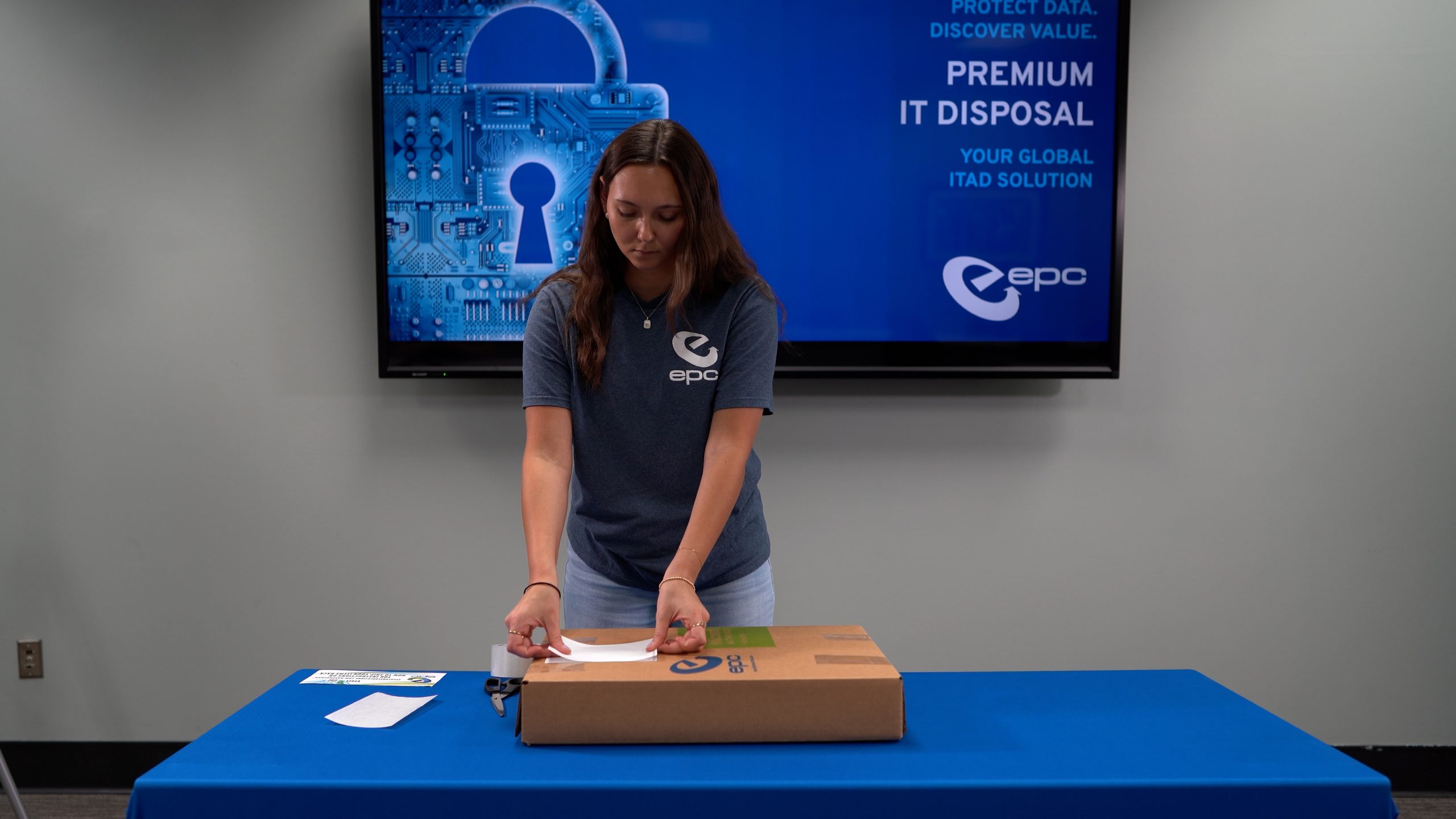
Step 5
Once the box is secure, take the provided return shipping label and place it over the existing shipping label on the box. It is important that no part of the previous shipping label is visible.
Your box is ready to be shipped! Use the return options on the sheet included in your package to either schedule a pick-up or find a drop-off location.